Everything your home runs on.
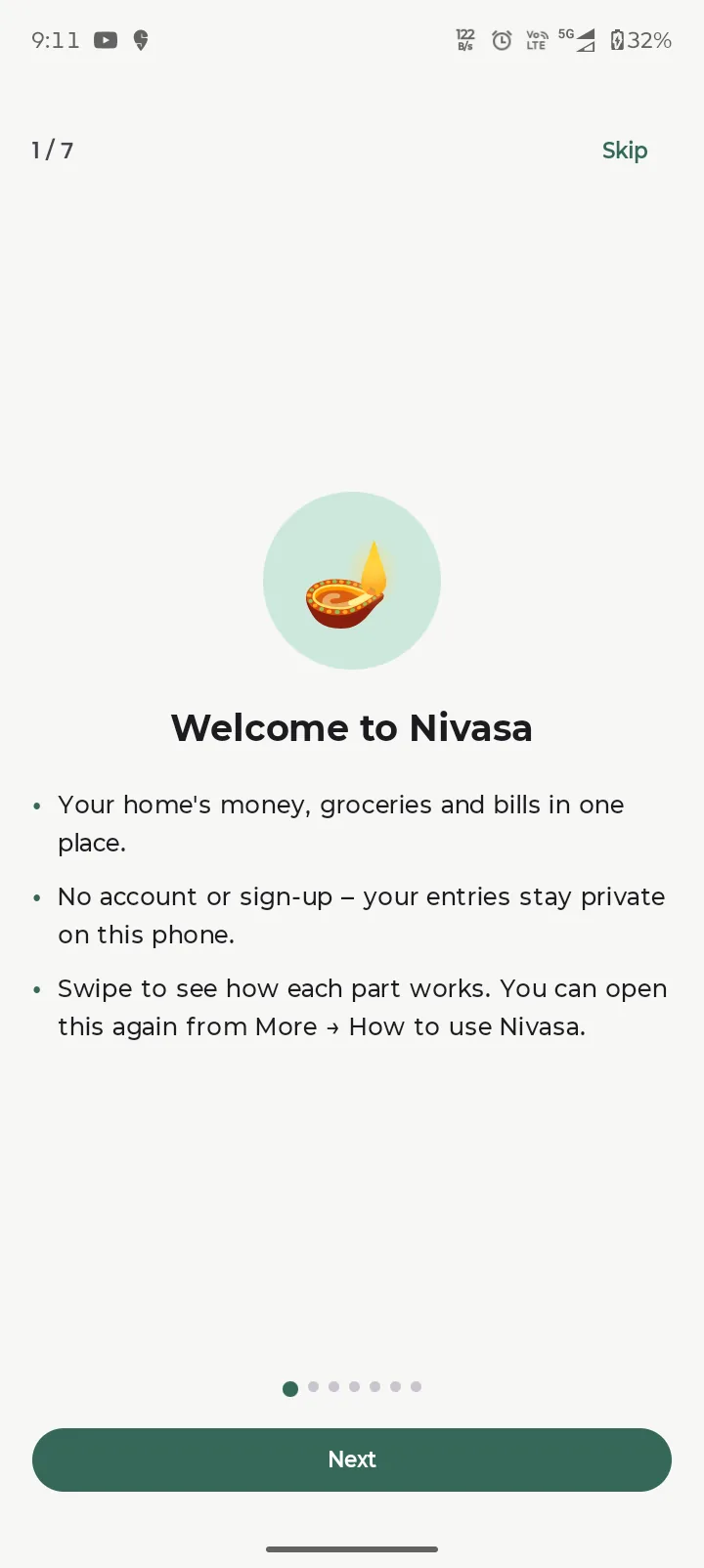
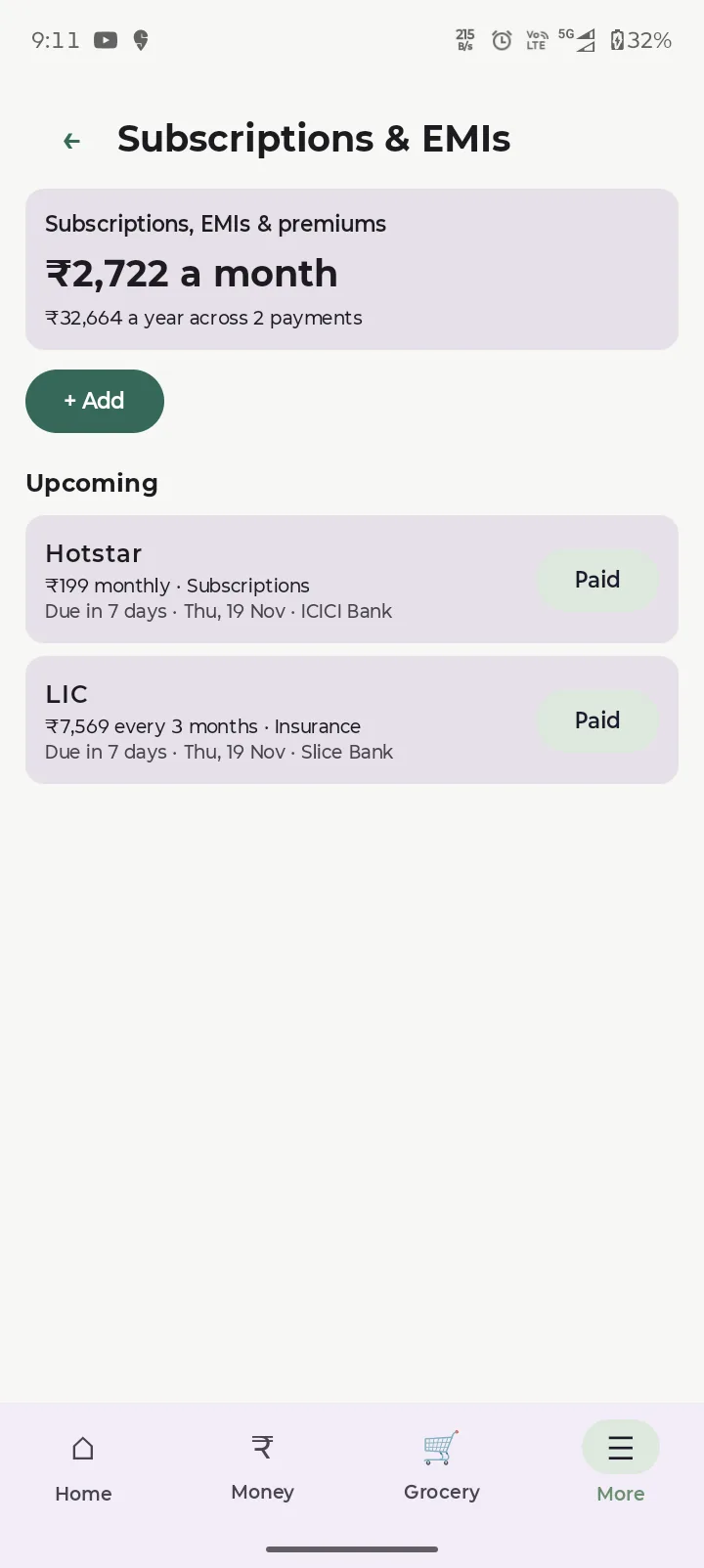
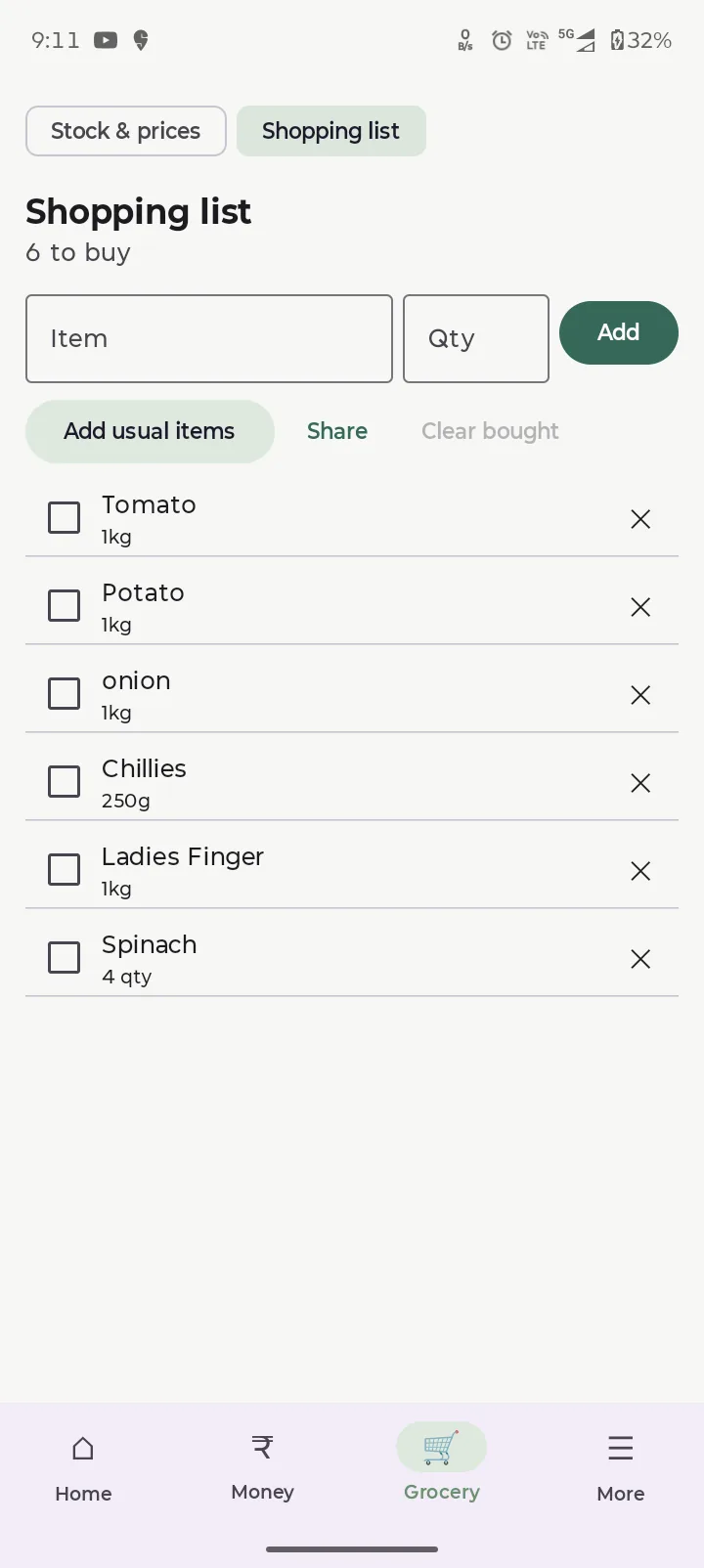
Nivasa keeps your household’s money, groceries and bills in one place, on your phone.
Screenshots
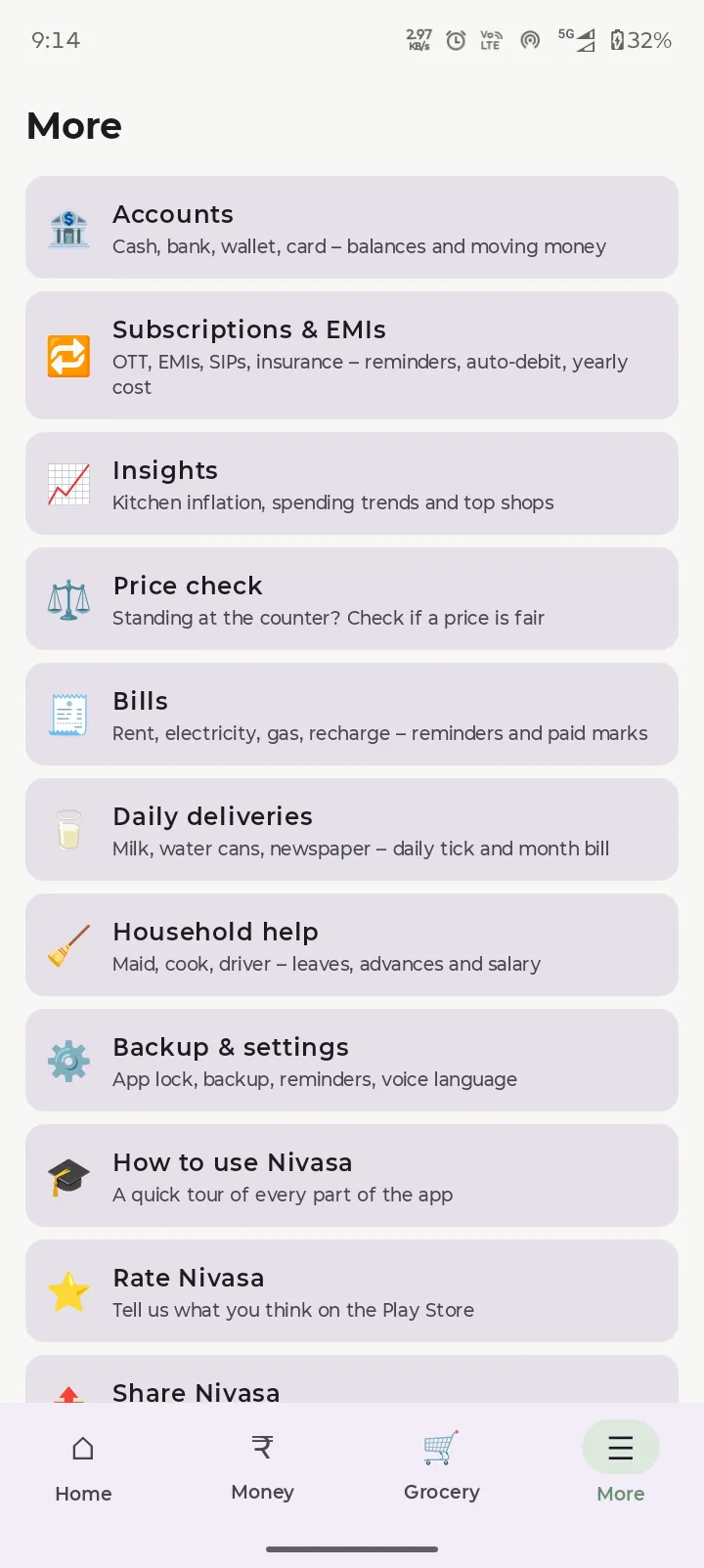
What you can do
Kitchen Inflation
Nivasa compares what your household pays now with what it paid when you started, for the same items and quantities, and shows which items caused the rise, for example “Oil +18%, +₹160/month”. It needs about two months of purchases to work.
Free, with ads
Nivasa is free. It shows a banner ad and an occasional full-screen ad. Watching an optional rewarded video unlocks all insights and removes ads for 24 hours.
Private by design
No account and no server: your entries stay in the app’s private storage on your phone. Bills are scanned on the device. You can back up to a file you keep, with an optional password, and lock the app with your fingerprint, face or PIN. Ads are served by Google AdMob. Read the privacy policy and the terms of use.
Nivasa is a record-keeping tool. It does not give financial advice.
Questions
Do I need an account?
No. There is no sign-up, and we run no server that receives your entries.
How do I move to a new phone?
Save a backup file from the app, keep it somewhere you control, and restore it on the new phone. If you set a backup password you will need it to restore.
How does bill scanning work?
The picture is read on the phone. It is not uploaded.
How soon does Kitchen Inflation show a result?
After about two months of grocery purchases, because it compares the same items over time.
Is it free?
Yes, with ads. An optional rewarded video unlocks all insights and removes ads for 24 hours.
When can I download it?
Nivasa is in closed testing on Google Play. This page will link to the listing when it is public.
Get Nivasa
Related guides
More from Genesis Forge

Family tree and memories
Telugu and English greeting pictures

Client work: website and app
Contact
Questions, feedback or privacy requests: genesisforge.dev@gmail.com